Introduction
Angular is an open-source Javascript framework to build web applications in HTML and Javascript. It will provide us a great deal of flexibility and power when building our apps.
Entry component
A bootstrap component is an entry component that Angular loads into a DOM Module at application lunch and other root components are loaded dynamically into entry components. There are two main kinds of entry components:
- The bootstrapped root component. (Router)
- A component you specify in a route definition. (Entry Component)
To learn more about features of AngularJS, you can enroll for a live demo on Angularjs Online Training
In the below example, the App Component is a root component so Angular loads this dynamically:
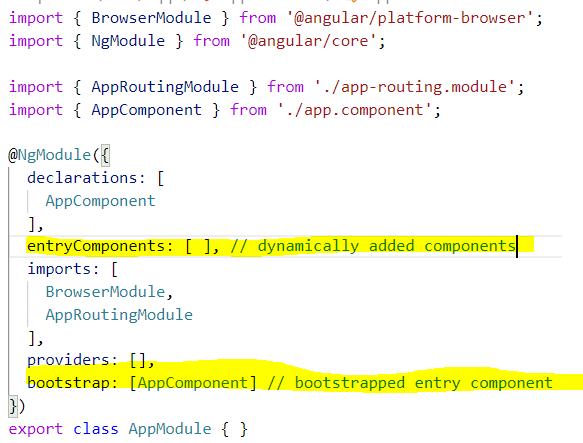
Example:
- Create a New Project
Create a new folder named DynamicComponentsInAngular9 and select this folder in Visual Studio Code
- Install Angular 9
Open Terminal windows in Visual Studio Code install Angular 9, as shown below: To install the CLI using npm, use the command: npm install -g @angular/cli To create a sample project with CLI, use the command: ng new DynamicComponents
Take your career to new heights of success with Angular Training
Structure of Project
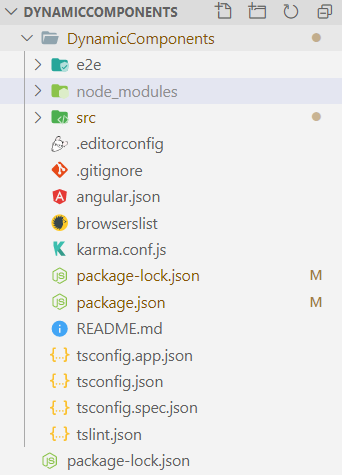
- Create Children Components
Create a new folder named components in src\app folder. In this folder, create children components as shown below:
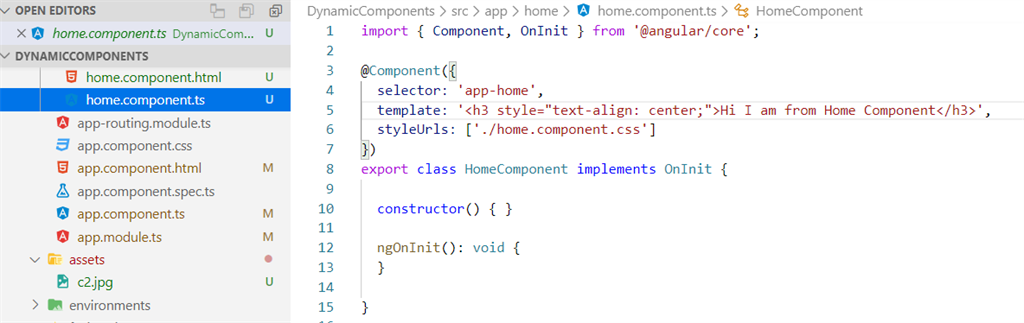
Home Component
Create a new folder named hi in src\app\components folder. In this folder, create a new file named Home.component.ts
ng g c Home –skipTests=true
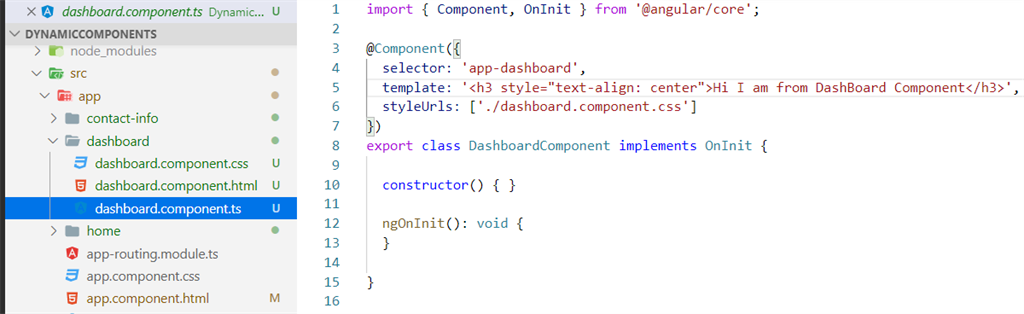
Dashboard Component
Create a new folder named hi in src\app\components folder. In this folder, create a new file named Dashboard.component.ts
ng g c Dashboard –skipTests=true
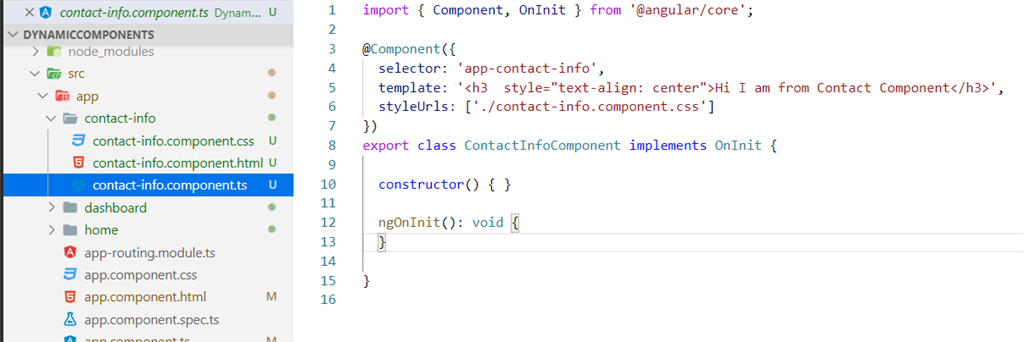
ContactInfo Component
Create a new folder named hi in the src\app\components folder. In this folder, create a new file named ContactInfo.component.ts
Get More Info Here Angular Certification
ng g c ContactInfo–skipTests=true
Open Main Component
import {
    Component,
    OnInit
} from '@angular/core';
import {
    HomeComponent
} from './home/home.component';
import {
    DashboardComponent
} from './dashboard/dashboard.component';
import {
    ContactInfoComponent
} from './contact-info/contact-info.component';
@Component({
    selector: 'app-root',
    templateUrl: './app.component.html',
    styleUrls: ['./app.component.css']
})
export class AppComponent implements OnInit {
    title = 'DynamicComponents';
    dynamicCom: any;
    ngOnInit() {
        this.dynamicCom = HomeComponent;
    }
    dynamicDash() {
        this.dynamicCom = DashboardComponent;
    }
    dynamicContact() {
        this.dynamicCom = ContactInfoComponent;
    }
    dynamicHome() {
        this.dynamicCom = HomeComponent;
    }
}
// Root Component html
<div class="container ml-10 mt-2" style="width:100;">
    <a class="navbar-brand" href="#">
        <img src="assets/c2.jpg" width="1111" height="200">
        </a>
        <h2 style="text-align:center;text-decoration:dotted;background-color:gainsboro;">Dynamic Entry Components </h2>
        <nav class="navbar navbar-expand-lg navbar-white bg-white pt-4">
            <button class="btn btn-outline-primary col offset-1" (click)="dynamicHome()" type="submit">Home</button>
            <button class="btn btn-outline-primary col offset-1" (click)="dynamicDash()" type="submit">Dashboard</button>
            <button class="btn btn-outline-primary col offset-1" (click)="dynamicContact()" type="submit">ContactInfo</button>
        </nav>
        <div class="pt-5">
            <ng-container *ngComponentOutlet="dynamicCom"></ng-container>
        </div>
    </div>
Open Component to Module and see that the Child components are added:
import {
    BrowserModule
} from '@angular/platform-browser';
import {
    NgModule
} from '@angular/core';
import {
    AppRoutingModule
} from './app-routing.module';
import {
    AppComponent
} from './app.component';
import {
    DashboardComponent
} from './dashboard/dashboard.component';
import {
    HomeComponent
} from './home/home.component';
import {
    ContactInfoComponent
} from './contact-info/contact-info.component';
@NgModule({
    declarations: [
        AppComponent,
        DashboardComponent,
        HomeComponent,
        ContactInfoComponent
    ],
    entryComponents: [
        HomeComponent,
        DashboardComponent,
        ContactInfoComponent
    ], // dynamically added components
    imports: [
        BrowserModule,
        AppRoutingModule
    ],
    providers: [],
    bootstrap: [AppComponent] // bootstrapped entry component
})
export class AppModule {} 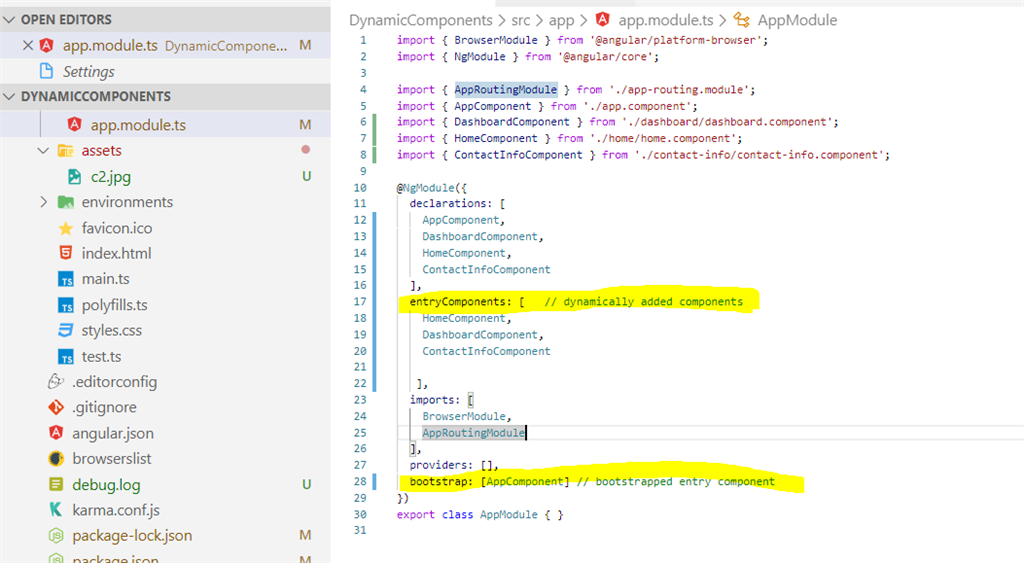
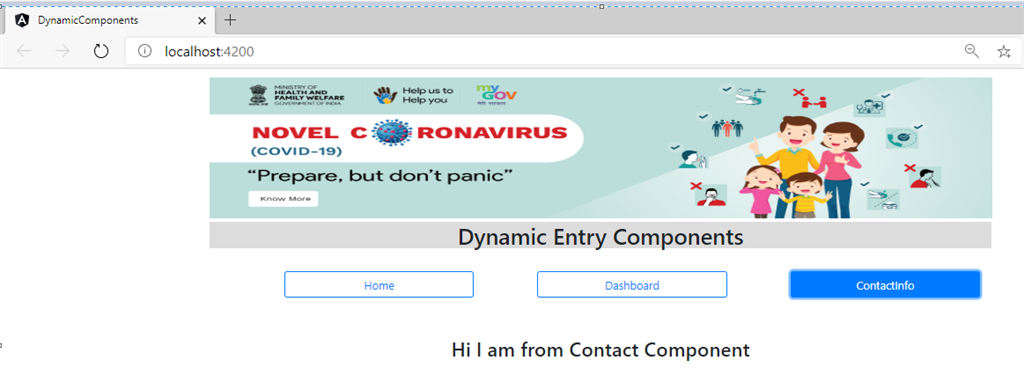
Run Application
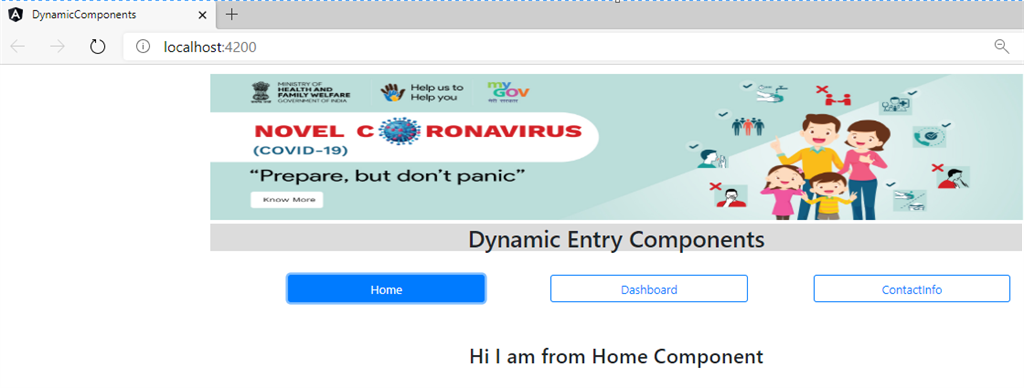
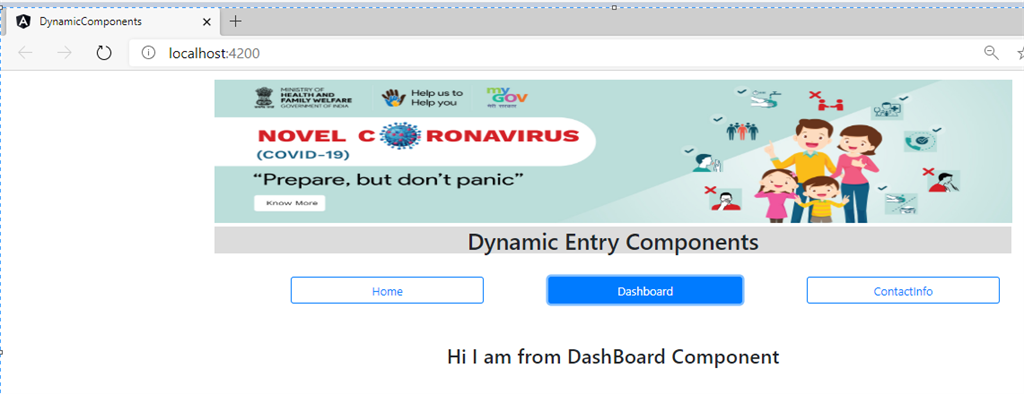
In Terminal windows in Visual Studio Code, type: ng serve –open, program. It will open the URL http://localhost:4200/ in the browser.
Output
 Biztalk Online Training